
Maya Chen
Solo creator · Productivity & tech
“CreatorReply shaved hours off my week. My audience gets thoughtful replies even when I’m deep in filming mode.”
 CreatorReply
CreatorReply handles YouTube comments with built-in safety filters, a human review queue, and full transparency. You decide what posts. You see everything.
Stop Guessing.
See what viewers are actually asking in your comments.
Preview uses publicly visible comments only.
CreatorReply is built for creators who take their channel seriously. Every reply is filtered, logged, and reviewable.
Every reply passes through profanity checks, scam detection, and content moderation before posting.
Comments that need attention are flagged for your review. Nothing risky posts without your approval.
One click pauses all automation across every channel. Resume when you're ready.
See every reply, every skip, every safety decision. Complete transparency, always.
CreatorReply isn't a spam bot. It's a comment assistant designed to feel like you sat down and replied yourself.
CreatorReply analyzes your video title, description, and transcript to generate replies that stay accurate, contextual, and aligned with your content.
Multi-layer safety filters catch risky content before it posts. Flagged replies go to a review queue. You stay in control.
Configure your tone once. CreatorReply handles comments while sounding like you, not like a bot or a template.
Setup takes minutes. CreatorReply quietly handles comments while you film, edit, and publish.
Secure OAuth connection to your YouTube channels. No passwords or manual tokens required.
Pick reply styles, safety levels, and which videos or posts CreatorReply should handle.
New comments are automatically scanned and prepared. You stay in control while smart automation handles the work, with full activity logs for transparency.
Replies that sound like you wrote them.
Each reply uses your video context (title, description, and transcript) so responses are specific, not generic. Learn more about using AI to reply without sounding fake.
Safety filters that actually work.
Profanity, scams, misinformation, and risky content are caught before posting. Flagged replies go to a review queue. You decide what happens next.
Complete visibility into every action.
See every reply, every skip, every safety decision in your activity log. Nothing happens in the dark. Discover how to understand your audience through comments.
Pause or stop instantly.
Global kill switch stops all automation in one click. Per-channel controls let you fine-tune what runs and what doesn't.
Your tone, your rules.
Configure reply style, length, and safety strictness. Banned words and custom filters give you granular control.
Built for YouTube compliance.
Official YouTube Data API, rate limiting, and content guidelines built in. See our no-fluff guide to growing on YouTube in 2026.
Live overview
Today's auto replies
Replies today
126
+34 vs. yesterday
Channels
3
All active
Safety filtered
9
Queued for review
Recent replies
New comment on: "How to grow on YouTube in 2025"
Viewer: This was insanely helpful, thanks! Any tips for small channels?
CreatorReply: Love that it helped! For small channels, focus on repeatable weekly formats and track what viewers click & comment on. Consistency beats perfection early on 💪
New comment on: "Camera gear under $500"
Viewer: Do you think this setup works for low light too?
CreatorReply: It works, but low light is always tricky. A simple softbox or LED panel will level it up fast. I'll show a low-light test in a future video!
Risky replies blocked • Review queue active
Automation: ONLoved by creators
Maya Chen
Solo creator · Productivity & tech
“CreatorReply shaved hours off my week. My audience gets thoughtful replies even when I’m deep in filming mode.”

Leo Park
Agency owner · Client coaching
“We manage multiple client channels and the tone stays on-brand for each one. The safety layer lets us sleep at night.”

Rhea Alvarez
Fitness channel host · Wellness & coaching
“Replies reference the actual workouts and programs, not generic motivation lines. Viewers feel like I’m always in the comments.”

Marcus Doyle
Gaming streamer · Esports & reviews
“CreatorReply keeps chat hype going between streams but never posts anything toxic. The kill switch gives me full control.”

Janelle Ortiz
Education creator · STEM tutorials
“Parents keep thanking me for thoughtful replies. The system actually understands which lesson the comment is about.”
From the CreatorReply blog
Practical guides on YouTube growth, comments, and safe AI replies.

YouTube Strategy
A practical, updated guide for creators who want real, sustainable growth in 2026, without hacks or gimmicks.

AI & Automation
Learn how to leverage AI for comment engagement while keeping your authentic voice and avoiding the robotic feel that turns viewers off.

Engagement
We dive into the data on how comments influence your video's reach, watch time, and recommendations. The truth might surprise you.
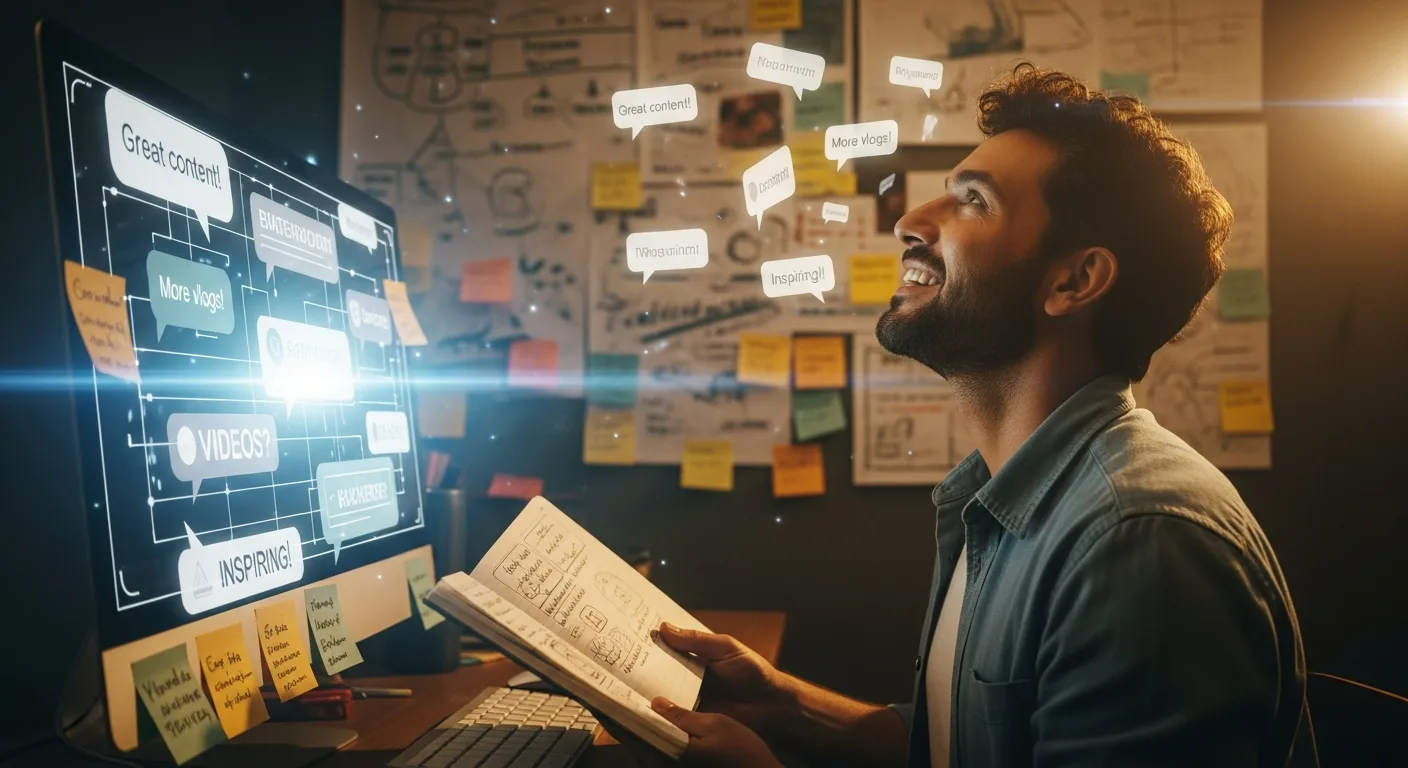
Content Ideas
Your comment section is a goldmine of content ideas. Here's a practical system to extract, organize, and prioritize what your audience actually wants.
Start free, then upgrade when you're ready to put replies on autopilot.
For personal channels and small creators starting with automation.
Best for: creators who want hands-free engagement without complexity.
$180 billed annually
For creators scaling their audience and needing more power.
Best for: creators who want deeper control and higher volume management.
$360 billed annually
For agencies, studios, and full-time creators with serious volume.
Best for: professional operations and multi-brand management.
$720 billed annually
For agencies, and organizations managing high-volume channels.
Best for: agencies, studios, and enterprises needing bespoke workflows.
Contact us for tailored pricing.
Not ready to commit? Start a 7-day free trial (card required, no charge until trial ends).
See exactly what's included in each plan
| Feature | Solo Creator$24/mo | Growth Creator$49/mo | Pro Studio$99/moMost Popular | EnterpriseCustom |
|---|---|---|---|---|
| Core Limits | ||||
YouTube Channels | 1 | 3 | 10 | 99 |
Videos + Shorts Replies | ||||
Community Posts | ||||
| Processing & Queue | ||||
Processing Speed | Daily processing | Processing every 3 hours | Priority processing (every 30 min) | Real-time (every 5 min) |
Queue Priority | Standard queue | Standard queue | Priority queue | Ultra priority queue |
| Reply Customization | ||||
Tone & Style Controls | ||||
Reply Length Customization | ||||
Bulk Channel/Video Rules | ||||
| Safety & Moderation | ||||
Safety Level | Standard safety filters | Standard safety filters | Standard safety filters | Standard safety filters |
Misinformation Filter | ||||
Sensitive Topics Analysis | ||||
Lead Magnet Alignment | ||||
Advanced Safety Tuning | ||||
| AI Power Options | ||||
AI Channel Audit Get AI-powered insights and recommendations for your YouTube channel. | ||||
AI Personality Pack Unlock 10 premium reply styles: Expert, Teacher, Witty, Motivational, Empathetic, Sales Pro, Storyteller, Minimalist, Enthusiastic, Thought Leader. | ||||
AI Video Summary Generate a structured AI-powered summary for any YouTube video. | ||||
Auto lead magnet generator Generate lead magnets automatically to capture more subscribers and leads. | ||||
Community post generator Create engaging community posts tailored to your channel’s audience. | ||||
Deep comment analysis Analyze audience comments in depth to uncover insights and intent. | ||||
Mobile Access + Push Install CreatorReply on your phone for quick access and push notifications. Free for all users. | ||||
Sentiment summary Summarize viewer sentiment across comments at a glance. | ||||
Smart Description Creator Generate high-quality YouTube descriptions with short and long variants. | ||||
Smart Reply Bundle Generate reusable reply templates for different comment types. | ||||
Smart Title Creator Generate multiple SEO-friendly title options for your videos. | ||||
Topic cluster insights Identify topic clusters across your videos to plan better content. | ||||
Trend Finder Generate content trends and viral ideas based on your niche. | ||||
Video transcription Turn your videos into polished, reusable text that fuels summaries, captions, titles, and content growth. | ||||
| Analytics & Support | ||||
Analytics Dashboard | Basic | Advanced | Advanced | Advanced |
Activity Logs | ||||
Support | Community support | Email support | Priority support | Priority support |
$24/mo
$49/mo
$99/mo
Custom
Everything you need to know about keeping replies human, safe, and on-brand.
Public roadmap
See what's already live, what we're building right now, and what's coming next for your channel.
Detects when audio is missing
Available now through Power Options such as Sentiment Summary and Deep Comment Analysis, plus Trend Finder, Topic Cluster, Smart Reply Bundle, and AI Channel Audit
AI follow-up questions that keep conversations going
Smarter replies that better match your actual video
Easier comment management on the go
Turn long videos into Shorts/Reels/TikToks with captions